Tuesday, 25 February 2020

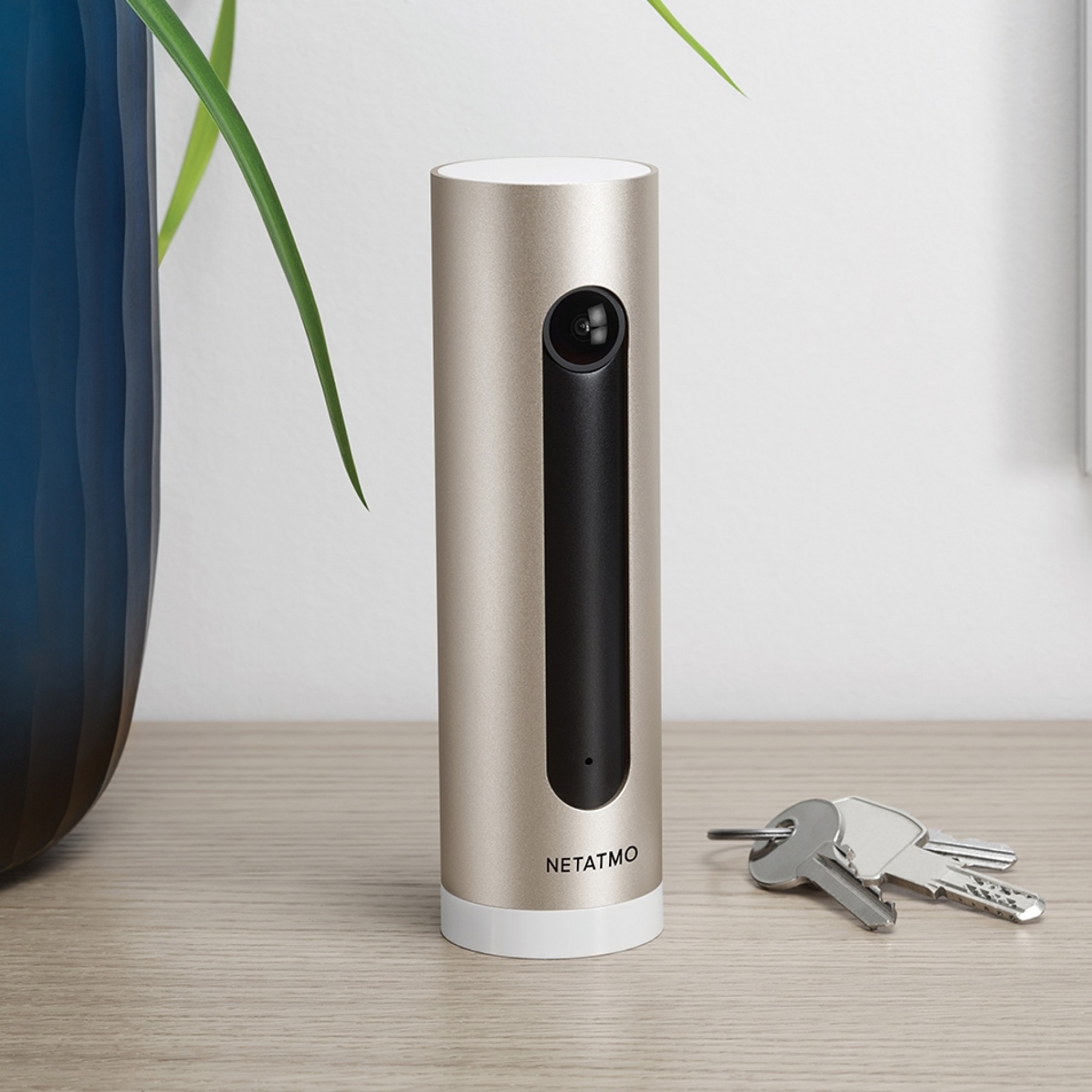
Netatmo Rolls Out HomeKit Secure Video Support to Smart Indoor Camera

Netatmo has announced that its Smart Indoor Camera now supports Apple's HomeKit Secure Video protocol.


The company revealed the news in a blog post on its website, explaining that the free software update would be rolling out to Netatmo Smart Indoor Camera owners in the coming days.
With ‌HomeKit‌ Secure Video, the videos recorded by security cameras are analysed locally on users’ iPad, HomePod or Apple TV. The footage isencrypted end-to-end and securely stored in iCloud where no one can see them.

Thanks to the ‌HomeKit‌ Secure Video support, Netatmo Smart Indoor Camera users will be able to store their videos locally on the included microSD card free of charge and on their ‌iCloud‌ with select storage plans.

Users will benefit from 10-day automatic ‌iCloud‌ storage for their videos, and this will not affect their storage capacity. If they want to keep the videos, after these 10 days, they will be able to save them in their ‌iCloud‌, which will count against their storage limit.
Through the Apple Home app, Netatmo Smart Indoor Camera users will be able to access their timeline and past events for 10 days, and set recording and notifications preferences.

Netatmo also said that its Smart Outdoor Camera will get ‌HomeKit‌ Secure Video support later this year.


This article, "Netatmo Rolls Out HomeKit Secure Video Support to Smart Indoor Camera" first appeared on MacRumors.com

Discuss this article in our forums


from MacRumors: Mac News and Rumors - All Stories https://ift.tt/2TdyCQJ

How to Enable the Classic Startup Chime on Newer Macs

The discovery of a simple Terminal command that brings back the classic startup chime on newer Macs has gone viral in recent days. Apple disabled the startup sound on new Macs in 2016, and while a couple of tricks have worked in the past to get the chime back, updates to macOS appear to have stopped them working.


However, the latest trick – first shared in the MacRumors Forums by BigMcGuire – appears to have a high success rate, although depending on your Mac model, your mileage may vary.

If you yearn for that classic Mac sound, follow these steps to re-instate it.
  1. Launch the Terminal app, which can be found in the Applications/Utilities folder. This will open a Terminal window and a command prompt for you to begin typing.
  2. Input the following command and then press Return: sudo nvram StartupMute=%00
  3. Enter your admin user password when prompted.
  4. Close Terminal, then restart your Mac.
Make sure the volume is up, and with a little bit of luck, you'll hear that soothing F-sharp chord sound the next time your Mac boots up.

If you want to get rid of the chime after re-activating it, simply repeat the steps above but replace the Terminal command in step 2 with the following: sudo nvram StartupMute=%01.

The iconic chiming startup sound was originally made to indicate that diagnostic tests had found no hardware or software issues. A similar sound accompanied almost every Mac boot sequence since 1991 and the most recent F-sharp chord incarnation was first used in the iMac G3.

Originally, a C major chord was recorded by Apple engineer Jim Reekes using a Korg keyboard, but what most users will hear these days is a pitch-shifted version of the sound made by the Macintosh Quadra family of professional computers, first released in 1991.


The Mac startup sound was immortalized in the 2008 Disney-Pixar movie WALL*E. When the titular robot character has reached 100 percent power after positioning his solar array, the booting chime goes off.


This article, "How to Enable the Classic Startup Chime on Newer Macs" first appeared on MacRumors.com

Discuss this article in our forums


from MacRumors: Mac News and Rumors - All Stories https://ift.tt/2wLAZ5O

Disney+ Pre-Launch Promotion Offering Discounted Prices for Europe

Disney+ is coming to Europe in just under a month, and Disney is offering prospective customers a discount subscription offer if they sign up early to the streaming video service.


Residents in the United Kingdom can get a year of Disney+ for £49.99 instead of the standard £59.99 annual subscription rate if they sign up between now and March 23. Elsewhere, in other European markets users can purchase an annual sub for €59.99 instead of €69.99 euros before the official launch date.

Sign-ups to the discounted subscription rate can be completed online at https://preorder.disneyplus.com.

On March 24, over 500 feature films and over 7,500 shows will be available on the service including new original content like the critically acclaimed "The Mandalorian" and "The World According To Jeff Goldblum," along with timeless classics like "Lady and the Tramp" and the entire Pixar library.

Monthly pricing remains at £5.99 for the U.K. and €6.99 for other European markets. Disney+ will be available on Amazon Fire devices, LG and Samsung smart TVs, Roku's streaming devices, Apple TV, iOS, Android, Xbox One, and PS4 at launch.


This article, "Disney+ Pre-Launch Promotion Offering Discounted Prices for Europe" first appeared on MacRumors.com

Discuss this article in our forums


from MacRumors: Mac News and Rumors - All Stories https://ift.tt/3a3ujhC

Ultimate Ears Debuts New Extra Large $400 'HYPERBOOM' Speaker

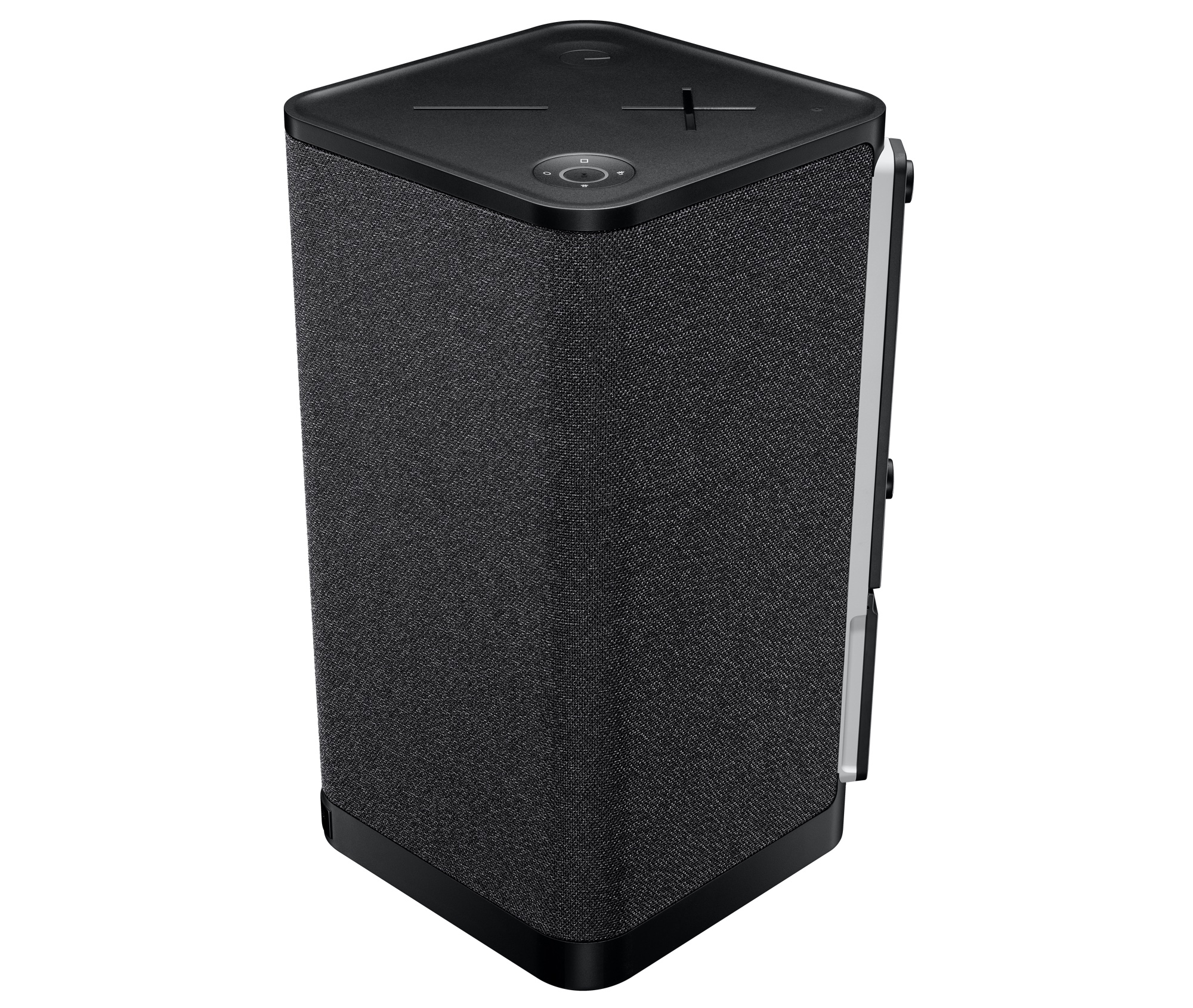
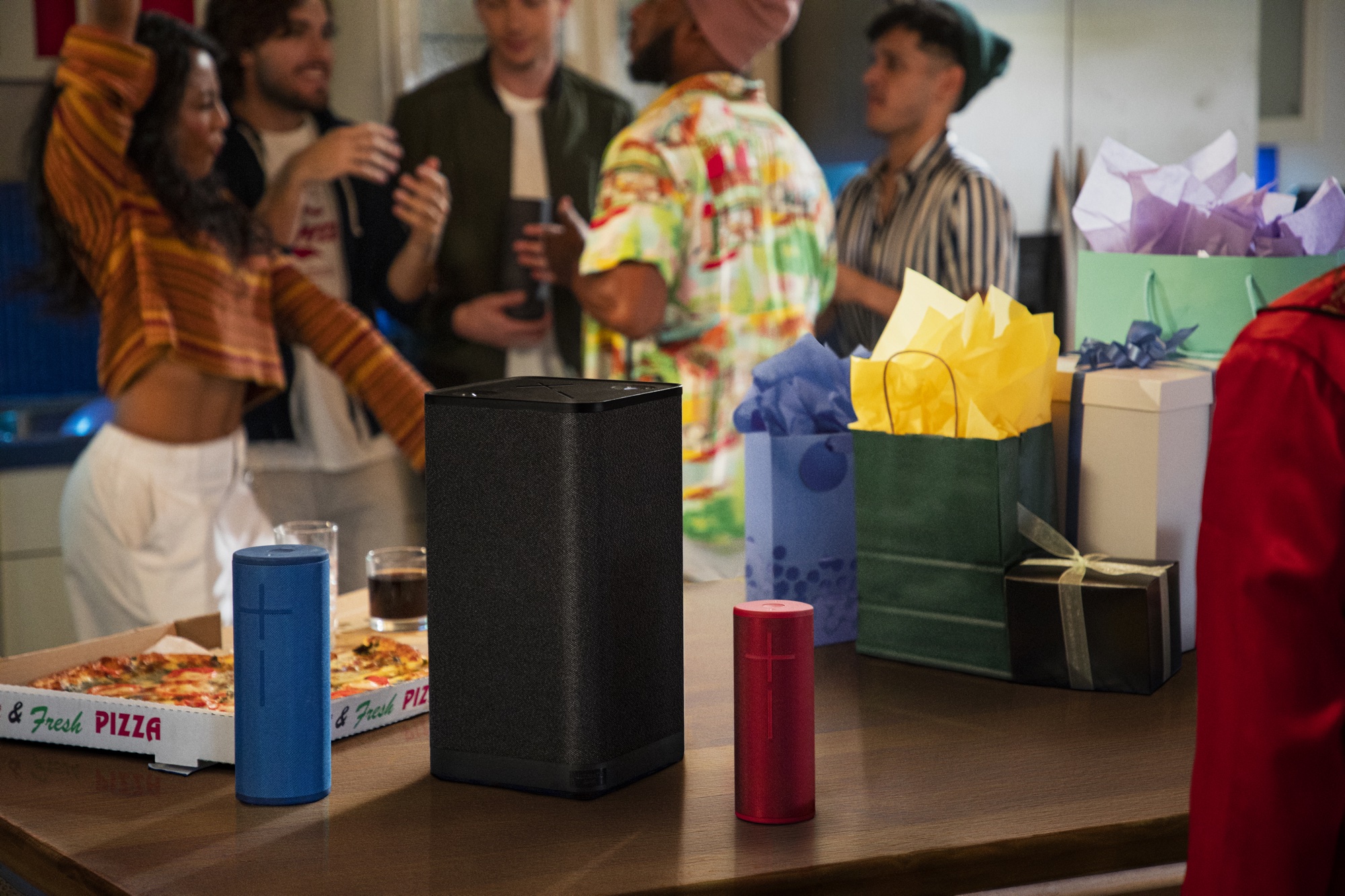
Speaker company Ultimate Ears today announced the launch of the HYPERBOOM, its largest portable speaker creation to date, featuring 3X the loudness and 6.5X the bass of the MEGABOOM 3.


According to Ultimate Ears, the 13-pound speaker boasts booming bass, wide dynamic range, richly detailed playback, and a battery that lasts for 24 hours before needing to be recharged. An Adaptive EQ feature is designed to allow the HYPERBOOM to adjust to the space that its in for the best sound profile indoors and outdoors.

There are four input sources on the HYPERBOOM, including two Bluetooth, one 3.5mm auxiliary, and one optical audio so music can be played from phones, laptops, gaming consoles, and more, with an option to switch audio sources with the press of a button.

The HYPERBOOM has an IPX4 water resistance rating, which means it can withstand splashes of water, and there's a USB charge-out port that can be used to charge an iPhone. A built-in One-Touch Music Control feature allows users to play, pause, and skip tracks right from the speaker, or launch playlists from popular music services like Apple Music, Spotify for Android, and Amazon Music.


Ultimate Ears says that the speaker has been developed with a "technical fabric" engineered for sound and durability and a diamond-shaped design that features soft curved edges that fit in well in any room.

The HYPERBOOM speaker will launch in early March on the Ultimate Ears website and it will be priced at $399.99.


This article, "Ultimate Ears Debuts New Extra Large $400 'HYPERBOOM' Speaker" first appeared on MacRumors.com

Discuss this article in our forums


from MacRumors: Mac News and Rumors - All Stories https://ift.tt/393AVg8

That Is One Big Portable Bluetooth Speaker

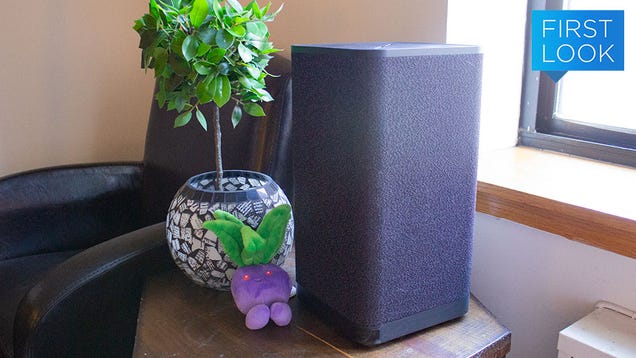
I am not a loud party person. At bars or social gatherings, I’m more apt to leave early if the host or venue has music on so high that I have to constantly yell “WHAT?” at my friends. But if that’s your thing, then Ultimate Ears’ latest speaker, the Hyperboom, is the company’s loudest portable Bluetooth speaker yet.

Read more...


from Gizmodo https://ift.tt/2v2tVRT