Tuesday, 19 May 2020

Adobe Adds Curves and Apple Pencil Pressure Sensitivity Adjustments to Photoshop for iPad

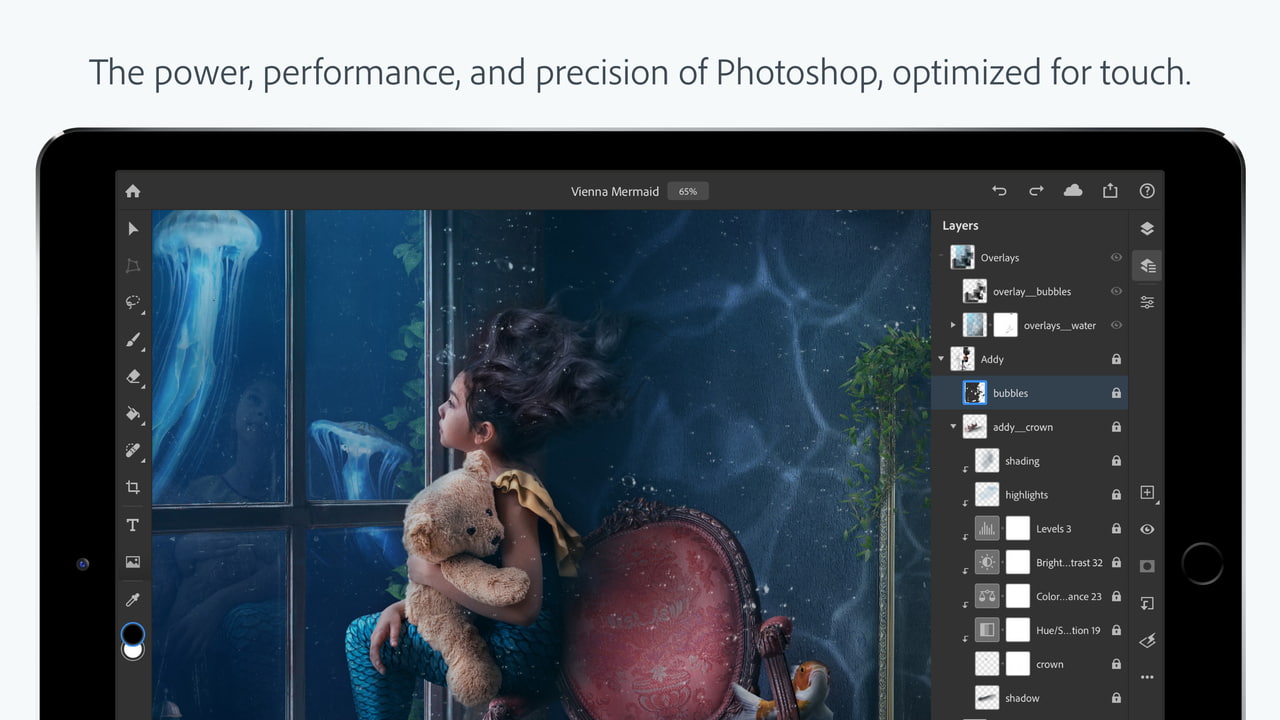
When Adobe introduced Photoshop for iPad back in November, it promised to provide regular updates to add missing features that are available on the desktop but not in the tablet version of the software.


Adobe is making good on that promise and today has a Photoshop for iPad update out that introduces two useful features: Curves and Apple Pencil pressure sensitivity adjustments.

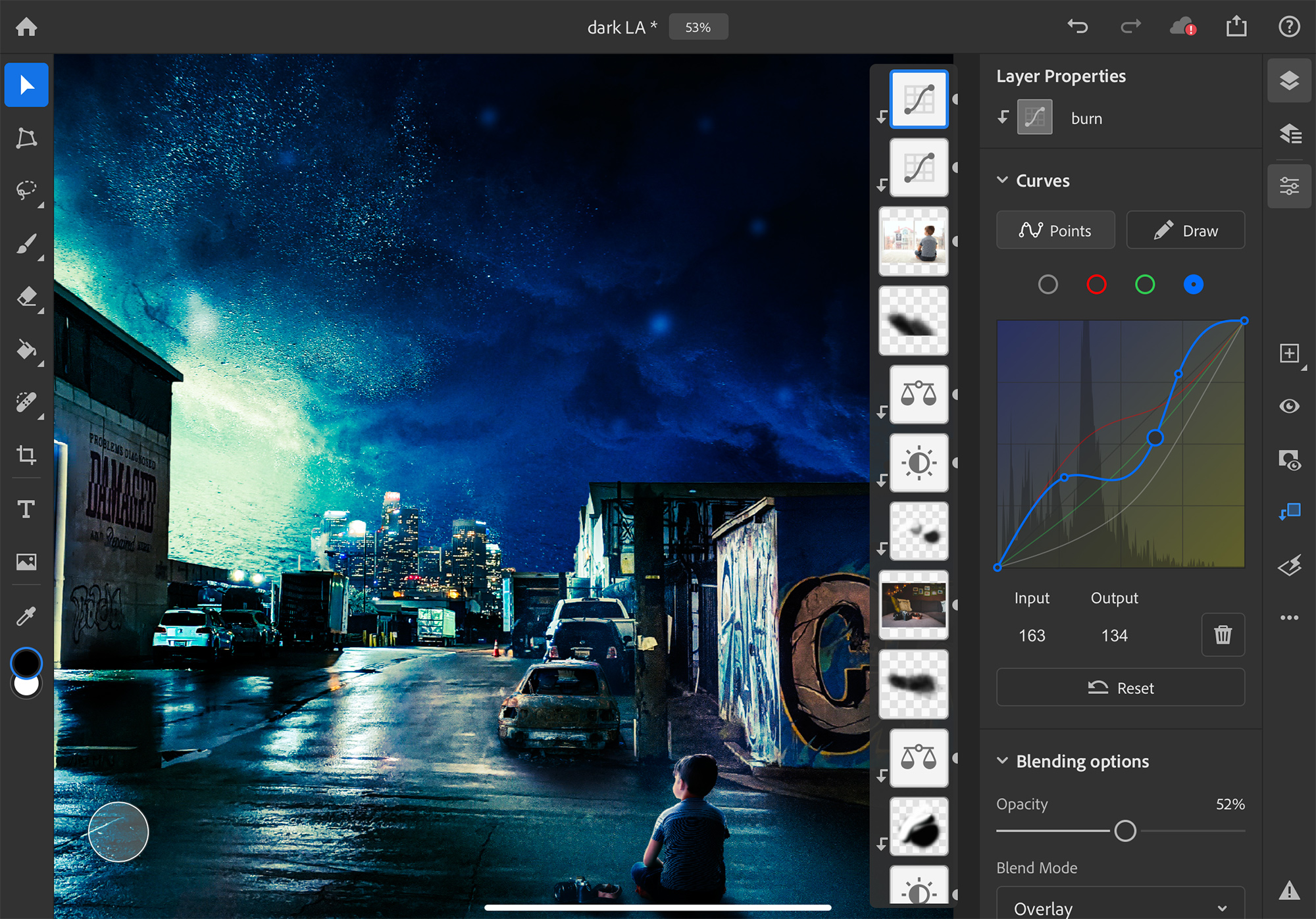
Curves are designed to allow ‌iPad‌ Photoshop users to make adjustments to the color and the tone of the image, editing contrast, exposure, saturation, highlights, shadows, and color balance in a non-destructive way. The initial version of the Curves tool includes adjustments of total curves for all channels, multi-node selections, and a feature that lets the app recognize when you want to tap and drag a node or select it.

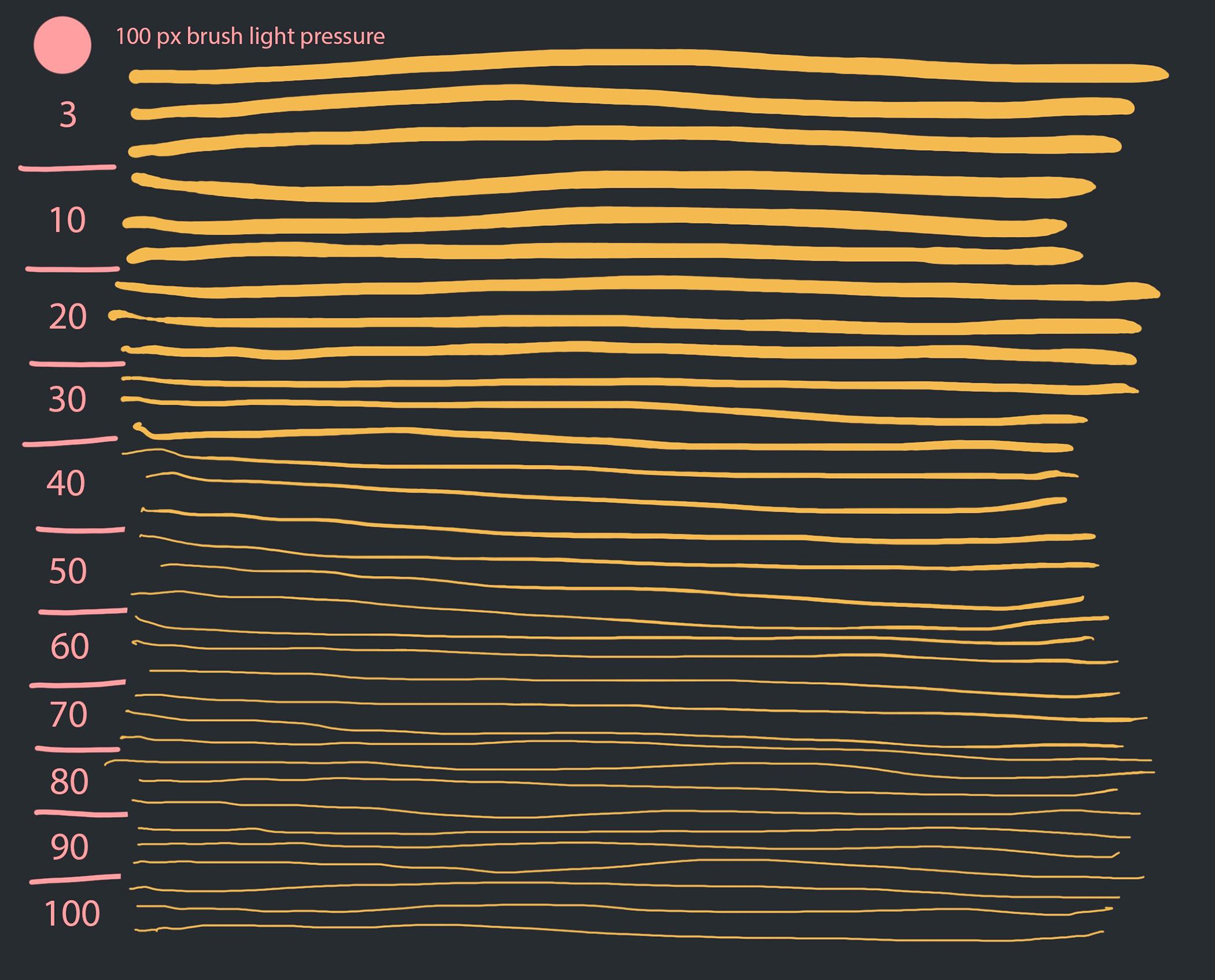
As for ‌Apple Pencil‌, Adobe is adding options to adjust the pressure sensitivity of the ‌Apple Pencil‌ for more precise brushing and effects when using brush-based tools. A new pressure sensitivity slider provides greater pressure values applied with less force at the end of the range and greater force for maximum pressure at the higher end of the range.

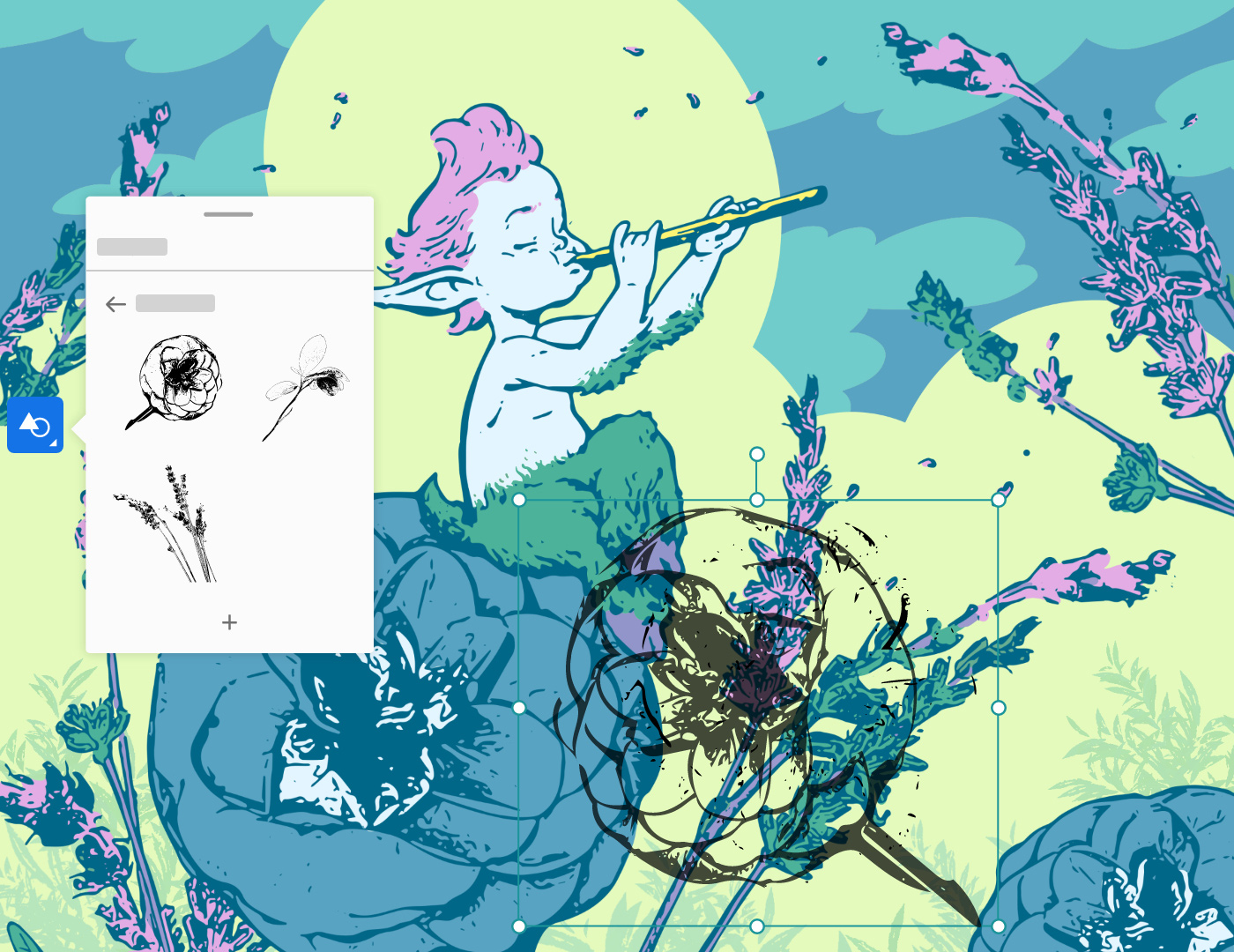
Adobe is also updating Adobe Fresco today, adding a multicolor eyedrop for selecting multiple colors, capture shapes, vector trimming tools for cleaning up vector art, support for Photoshop Mixer brushes, advancements to the ruler tool (pinning and pixel-length measurements), better blending for Live Oil brushes, new keyboard shortcuts, and more, with full details available in Adobe's blog post covering the update.

Adobe Fresco and Adobe Photoshop can both be downloaded from the App Store for free, but there are subscriptions required to use the software. Adobe Photoshop for ‌iPad‌ is available for all Creative Cloud plans that include Photoshop access, while Adobe Fresco is $9.99 per month after a 7-day free trial on a standalone basis or available through Creative Cloud plans.
This article, "Adobe Adds Curves and Apple Pencil Pressure Sensitivity Adjustments to Photoshop for iPad" first appeared on MacRumors.com

Discuss this article in our forums


from MacRumors: Mac News and Rumors - All Stories https://ift.tt/3e2WhMm

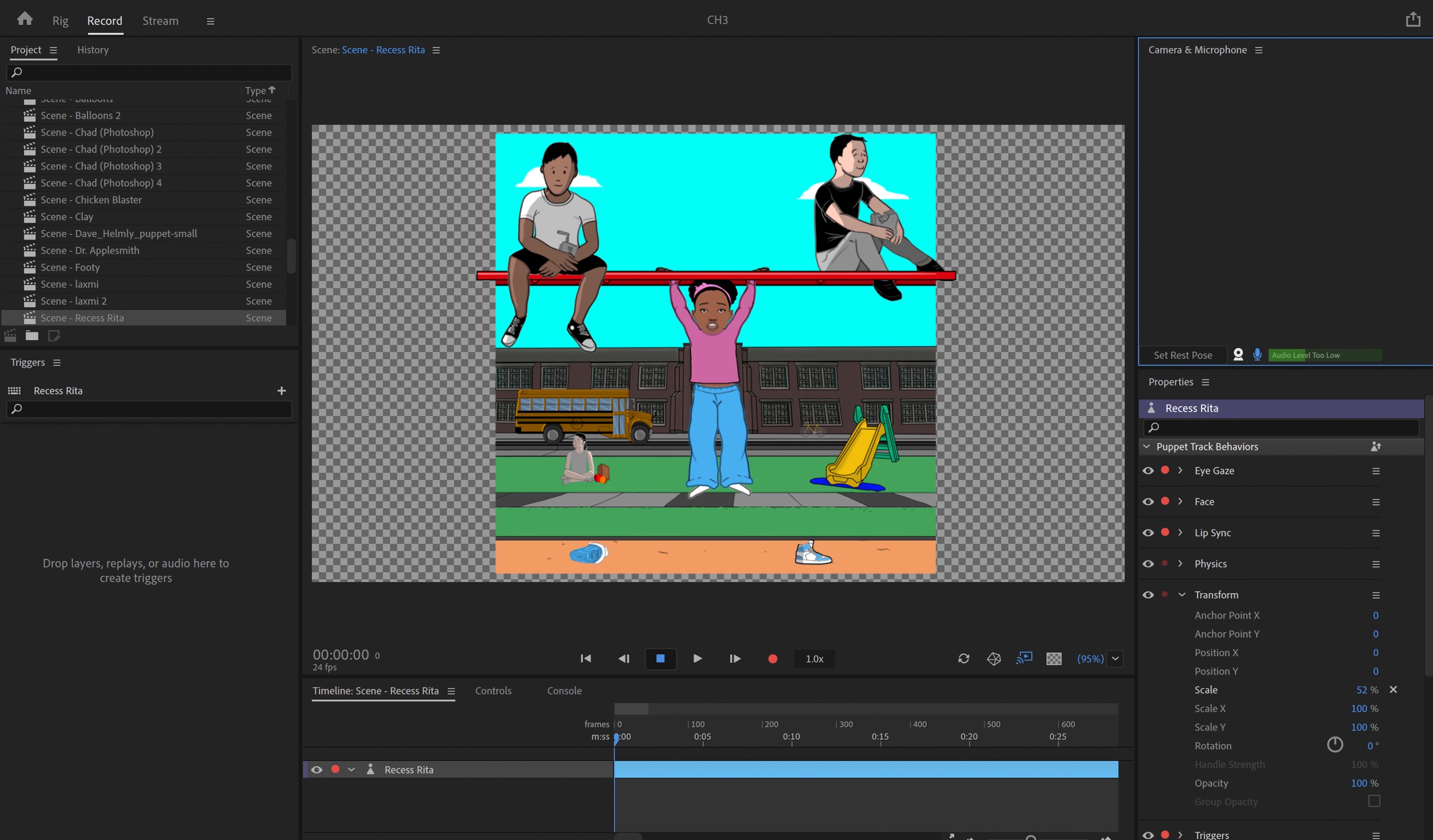
Adobe Updates Premiere Pro, After Effects, Audition, and Character Animator

Adobe today announced the launch of its traditional spring update for Creative Cloud apps that include Premiere Pro, After Effects, Audition, and Character Animator. Adobe says that this year's updates focus on efficiency and performance for maximizing creativity.


Both Premiere Pro and After Effects include ProRes RAW support, offering a cross-platform solution for Apple ProRES RAW workflows, and automatic audio hardware switching is available on Mac for After Effects, Media Encoder, Audition, Character Animator, Prelude, Premiere Pro, and Premiere Rush. That means when you swap audio devices or plug in headphones, your Mac recognizes the hardware and the Adobe app automatically switches to it.

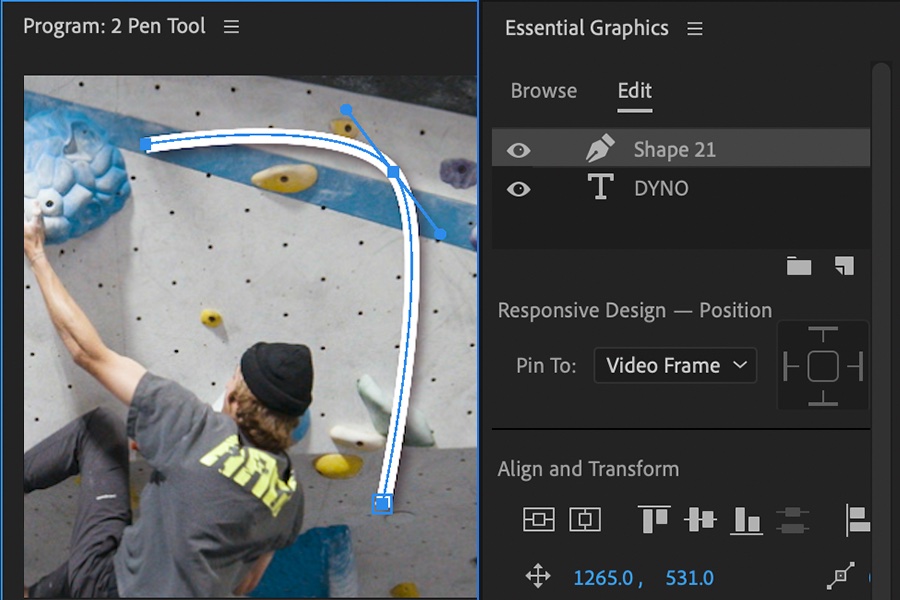
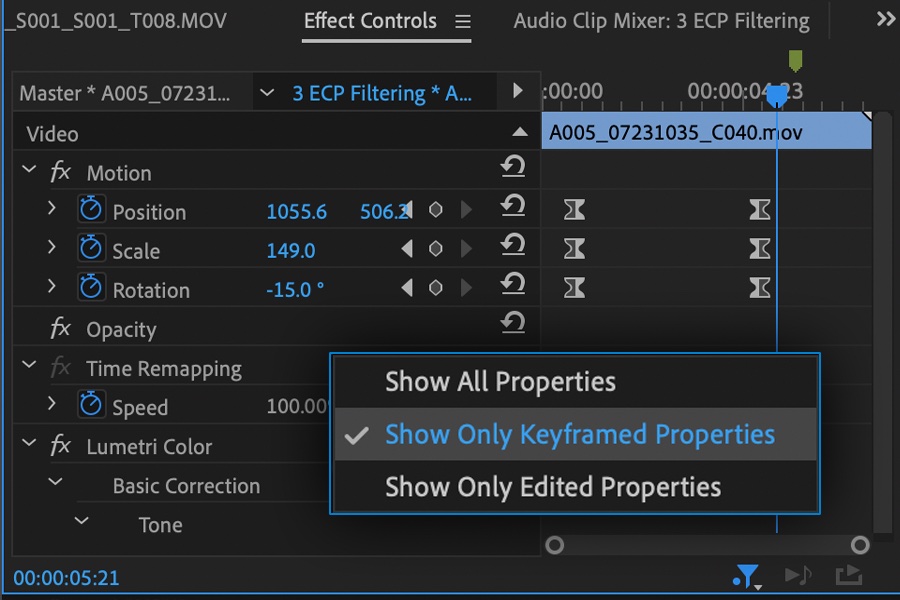
Premiere Pro is gaining an improved Pen tool with better support for Bezier curves and more precision for lines and shapes, plus filter effects that show attributes limited to keyframes or adjusted parameters for focusing what's currently active.


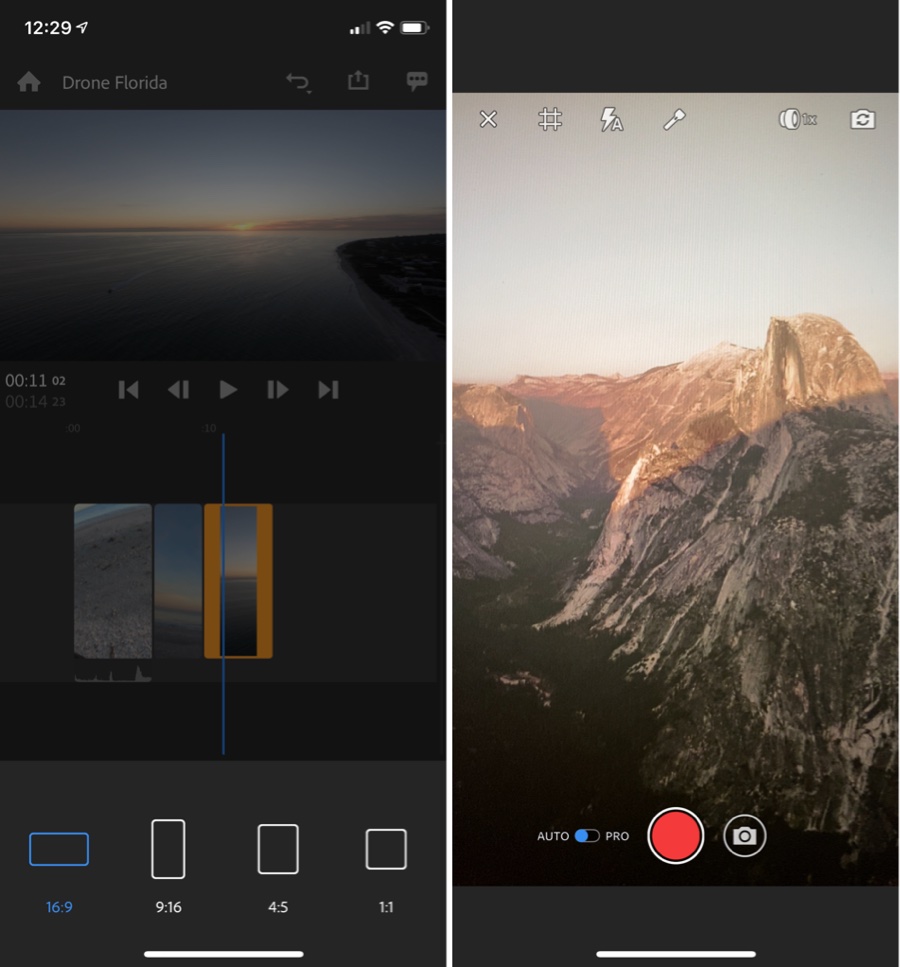
Adobe is improving the speed of Auto Reframe in Premiere Pro, enhancing the tool that's designed to reformat and reposition video in different aspect ratios for users who need to create videos for multiple social media and content platforms. Premiere Pro is also gaining support for audio files in Creative Cloud Libraries.

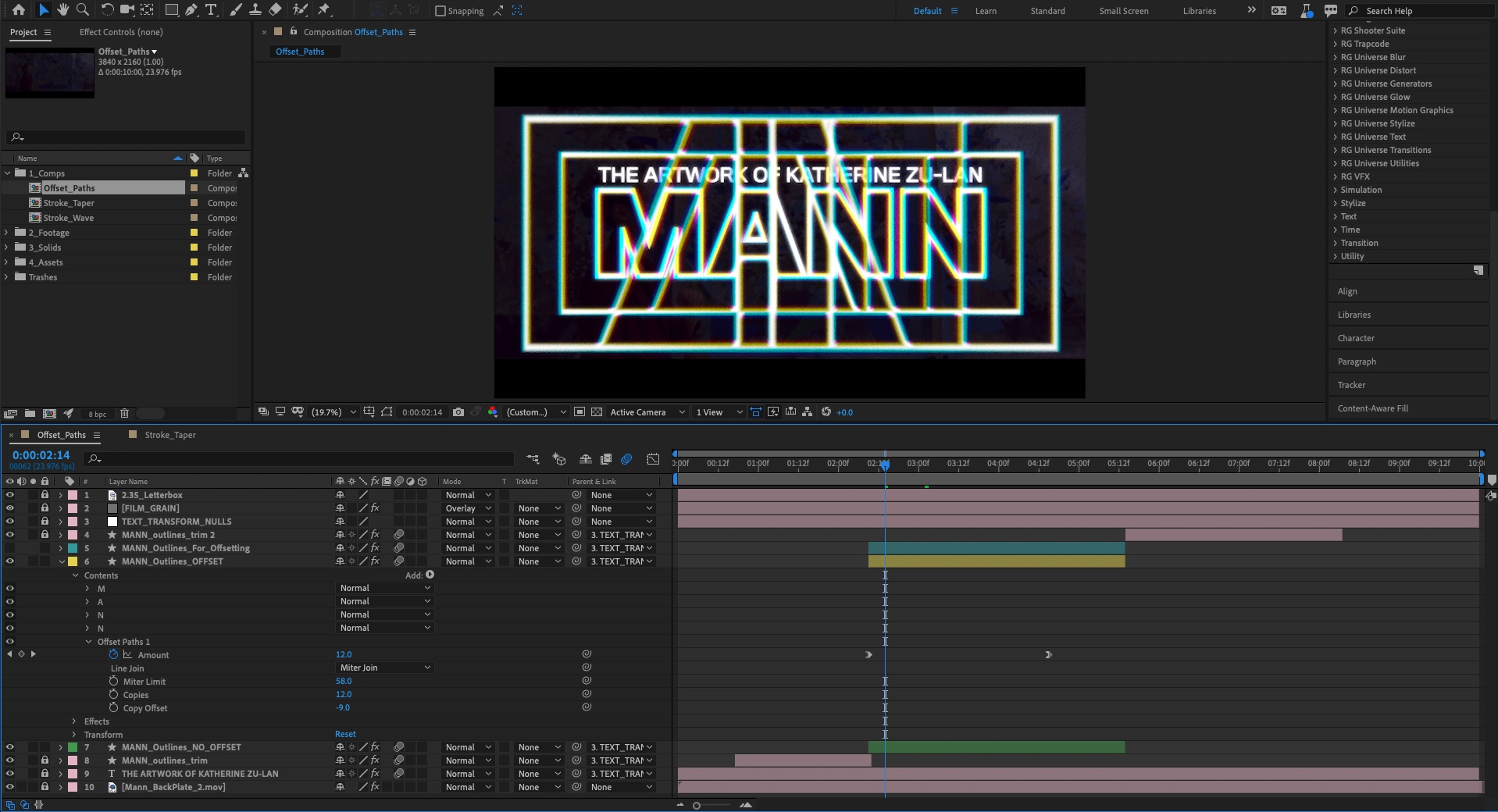
In After Effects, Adobe is adding Tapered Shape Strokes for creating tapered, wavy, pointed, or rounded strokes on shape layers, which can then be animated for stylized looks and motion designs.


There's also a Concentric Shape Repeater available in the Offset Paths shape to create copies of a path that radiate outward or inward for retro designs. New Mask and Shape cursor indicators in After Effects clearly display which tool is in use to prevent unnecessary un-dos when creating shapes and masks.

Adobe Premiere Rush for iOS is being updated with a tool for resizing projects to the 4:5 aspect ratio used for Facebook and Instagram, and back camera switching allows users to capture video from all of the rear camera options on an iPhone. Premiere Rush is also gaining an option to import media directly from the Files app.


Character Animator features improvements to audio triggers and timeline filtering, along with a new collection of background puppets to work with.


All of Adobe's Creative Cloud updates will be available starting today, with additional information on what's new available on Adobe's site. Adobe's full Creative Cloud plans, which cover the complete range of Adobe CC software, start at $52.99 per month.
Tag: Adobe

This article, "Adobe Updates Premiere Pro, After Effects, Audition, and Character Animator" first appeared on MacRumors.com

Discuss this article in our forums


from MacRumors: Mac News and Rumors - All Stories https://ift.tt/2X9yrI5

Adobe Updates Photoshop for iPad With Curves, Apple Pencil Sensitivity, More


Adobe has updated Photoshop for iPad with Curves adjustment layers, the ability to adjust Apple Pencil sensitivity, and more.

The world’s leading photography, editing, and design platform is on the iPad. Now you can harness the power of Photoshop to create anything you imagine, wherever inspiration strikes.

What's New In This Version:
● Curves adjustment layers have arrived! With curves, you can adjust points throughout an image’s tonal range. You can do more things with your photos like non-destructively dodge and burn, make your images pop with more precision, and more. Curves can be found in the Adjustment Layers menu.


Share Article:
Facebook,  Twitter,  LinkedIn,  Email,  Reddit,  Digg,  Delicious,  StumbleUpon

Follow iClarified:
Facebook,  Twitter,  LinkedIn,  Newsletter,  App Store,  YouTube


from iClarified - Apple News and Tutorials https://ift.tt/2WIU3fq

Samsung Announces New ISOCELL GN1 50MP Image Sensor That Delivers Stellar Low-Light Photos, DSLR-level Auto-Focus


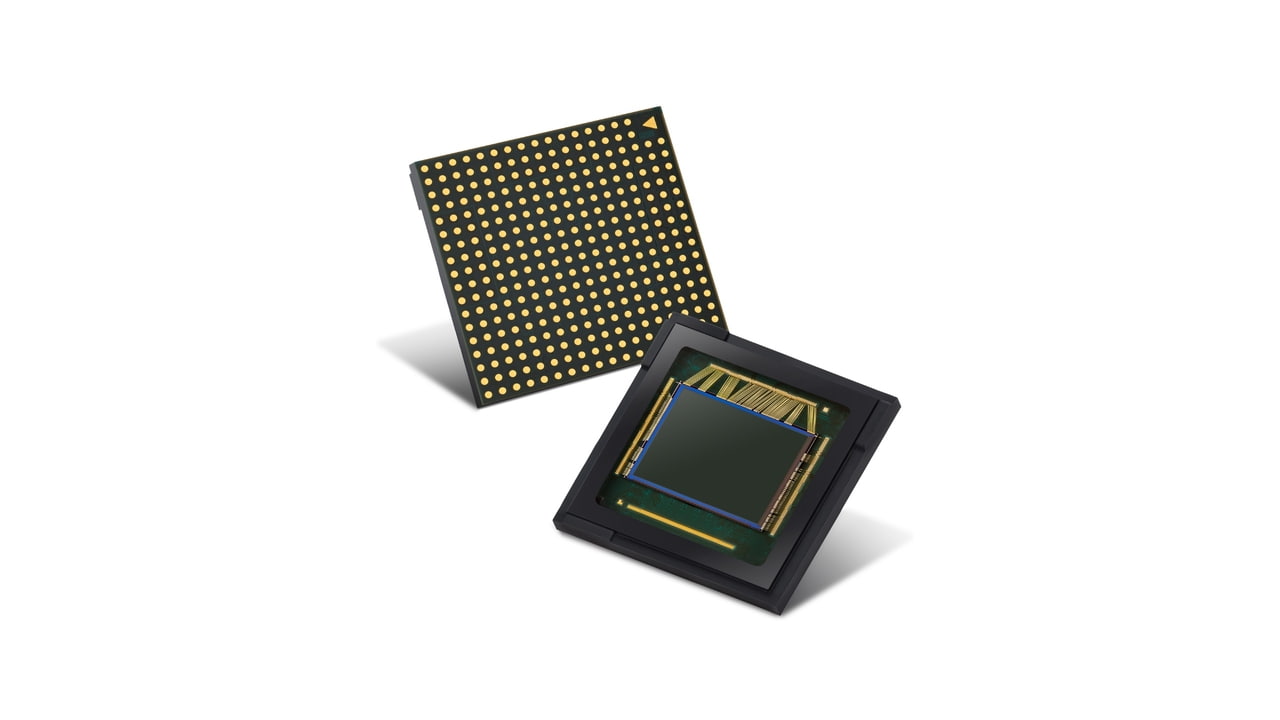
Samsung has announced the new ISOCELL GN1, a 50MP image sensor with 1.2μm-sized pixels.

The ISOCELL GN1 is Samsung’s first image sensor to offer both Dual Pixel and Tetracell technologies. Thanks to the relatively larger pixel size, the GN1 brings image sensor performance to a new level with a combination of elevated light sensitivity for stellar low-light photos and DSLR-level auto-focus speeds, optimized for more dynamic picture-taking experiences.

“With innovative pixel technologies, Samsung has been at the forefront of offering high-performance image sensors that closely cater to increasingly diversifying market needs. The ISOCELL GN1 is part of that commitment to deliver stunning images to consumers in any environment,” said Yongin Park, executive vice president of sensor business at Samsung Electronics. “We will continue to introduce image sensor solutions at the cutting-edge that will lead the next trends in mobile photography.”


Share Article:
Facebook,  Twitter,  LinkedIn,  Email,  Reddit,  Digg,  Delicious,  StumbleUpon

Follow iClarified:
Facebook,  Twitter,  LinkedIn,  Newsletter,  App Store,  YouTube


from iClarified - Apple News and Tutorials https://ift.tt/2Xpy4cP

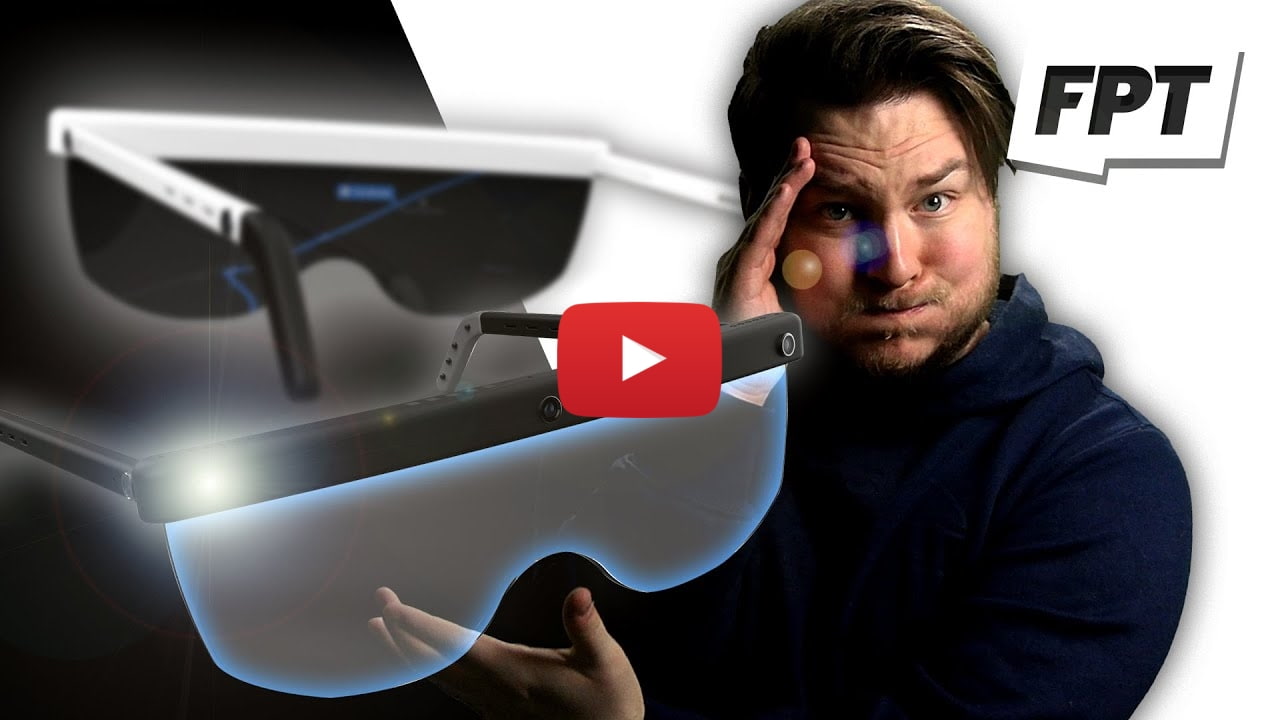
Apple's AR Glasses Are Called 'Apple Glass', Cost $499, May Be Unveiled Alongside iPhone 12 [Video]


Leaker Jon Prosser revealed some new details about Apple's long rumored AR glasses in a video posted to YouTube this morning.

Prosser says the glasses will be called 'Apple Glass' and start at $499. Users will be able to customize them with a prescription at an additional cost. The AR glasses will purportedly be powered by the iPhone, resulting in the lower than expected cost.

Apple had planned to unveil the glasses as a 'One More Thing' announcement at the end of the iPhone 12 unveiling; however, it's unclear if that will still happen due to the coronavirus outbreak. The company wants media to be present at the event and so it could push the unveiling to March 2021.


Share Article:
Facebook,  Twitter,  LinkedIn,  Email,  Reddit,  Digg,  Delicious,  StumbleUpon

Follow iClarified:
Facebook,  Twitter,  LinkedIn,  Newsletter,  App Store,  YouTube


from iClarified - Apple News and Tutorials https://ift.tt/2zTcWTS