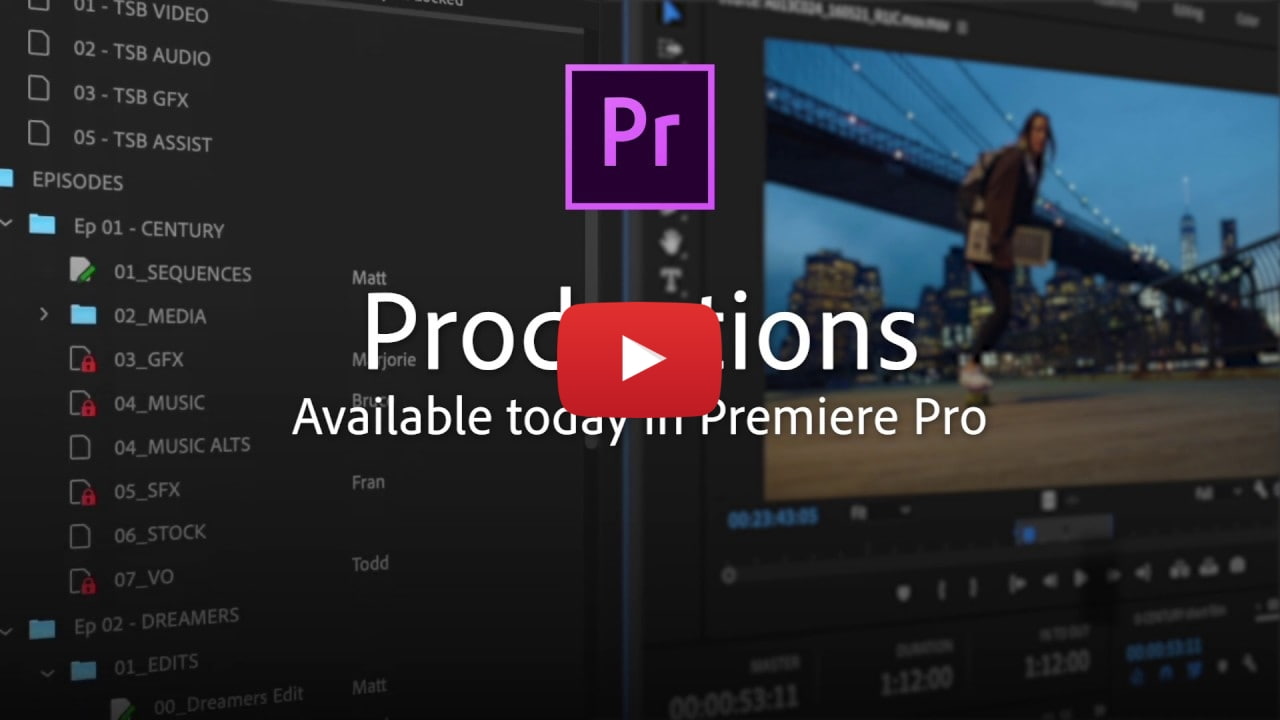

 Adobe has announced a new Productions feature now available in Premiere Pro that provides a flexible, scalable framework for organizing projects, sharing assets between them, and keeping everything streamlined.
When you have large or complex workflows, Productions allows you to divide them into smaller pieces, based on the existing Premiere Pro project format. Productions connects the projects, making them into components of the larger workflow and enabling a variety of use cases. For example, an editorial team working on a film can use Productions to organize their workflow around reels and scenes. Episodic shows can be grouped by season, so it’s easy to access other shows to retrieve things like title sequences or audio elements. Agencies can allocate a Production to each client, so they can quickly reference and retrieve assets from existing projects.
A new Production panel lets you manage multi-project workflows. Any project you add to the Productions folder becomes part of the production, letting you reference media across projects without the need for duplicates.

Spotlight Deal:
Sony Smart TVs On Sale for $500 Off [Deal]
Share Article:
Facebook, Twitter, LinkedIn, Email, Reddit, Digg, Delicious, StumbleUpon
Follow iClarified:
Facebook, Twitter, LinkedIn, Newsletter, App Store, YouTube
from iClarified - Apple News and Tutorials https://ift.tt/2RA4YFg


No comments:
Post a Comment