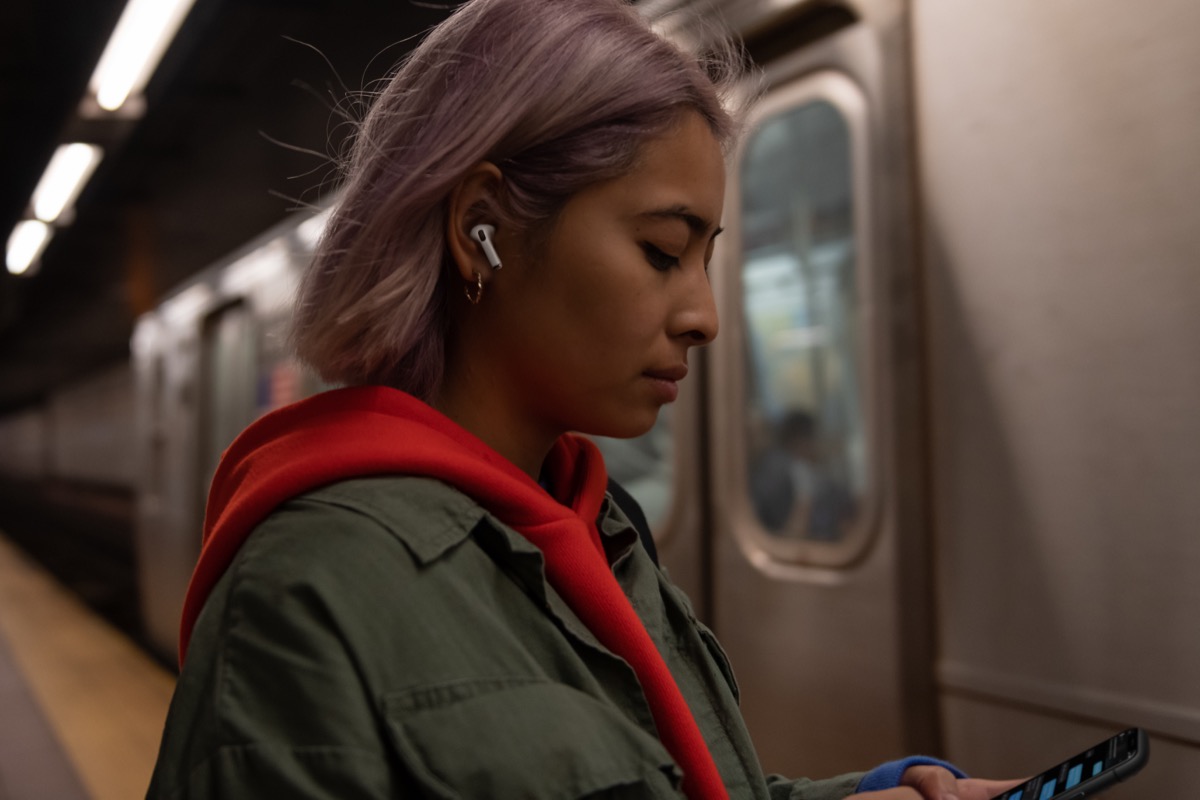
Headphones Accommodations works with Apple and Beats headphones, and is designed especially for those who are hard of hearing: It's able to amplify soft sounds and adjust frequencies to make music, movies, calls, and more sound crisper and clearer.
Follow the steps below to activate the Headphones Accommodations feature in iOS 14 and later.
- Launch the Settings app on your iPhone or iPad.
- Tap Accessibility.
- Scroll down to the Physical and Motor menu and select AirPods.
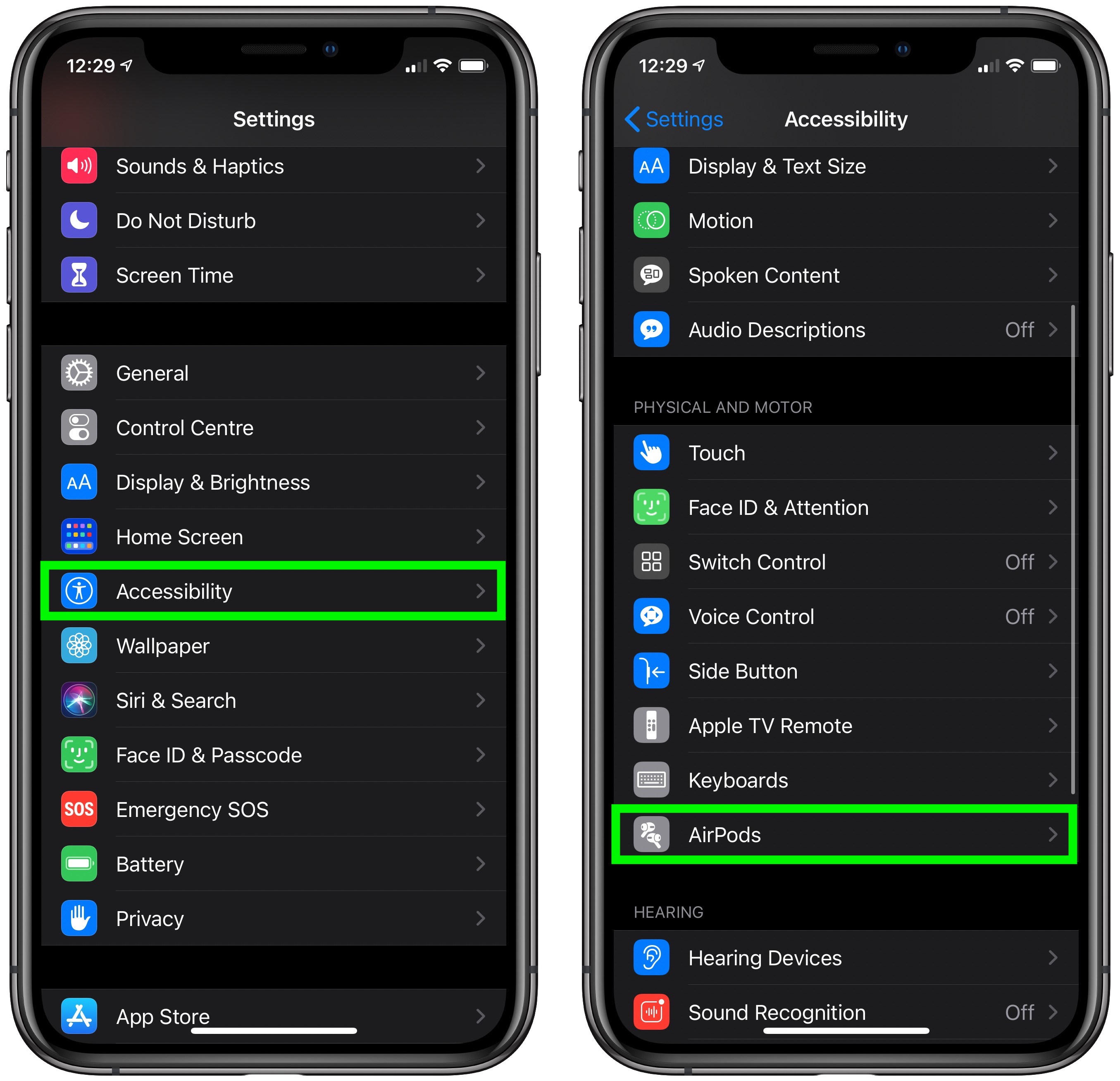
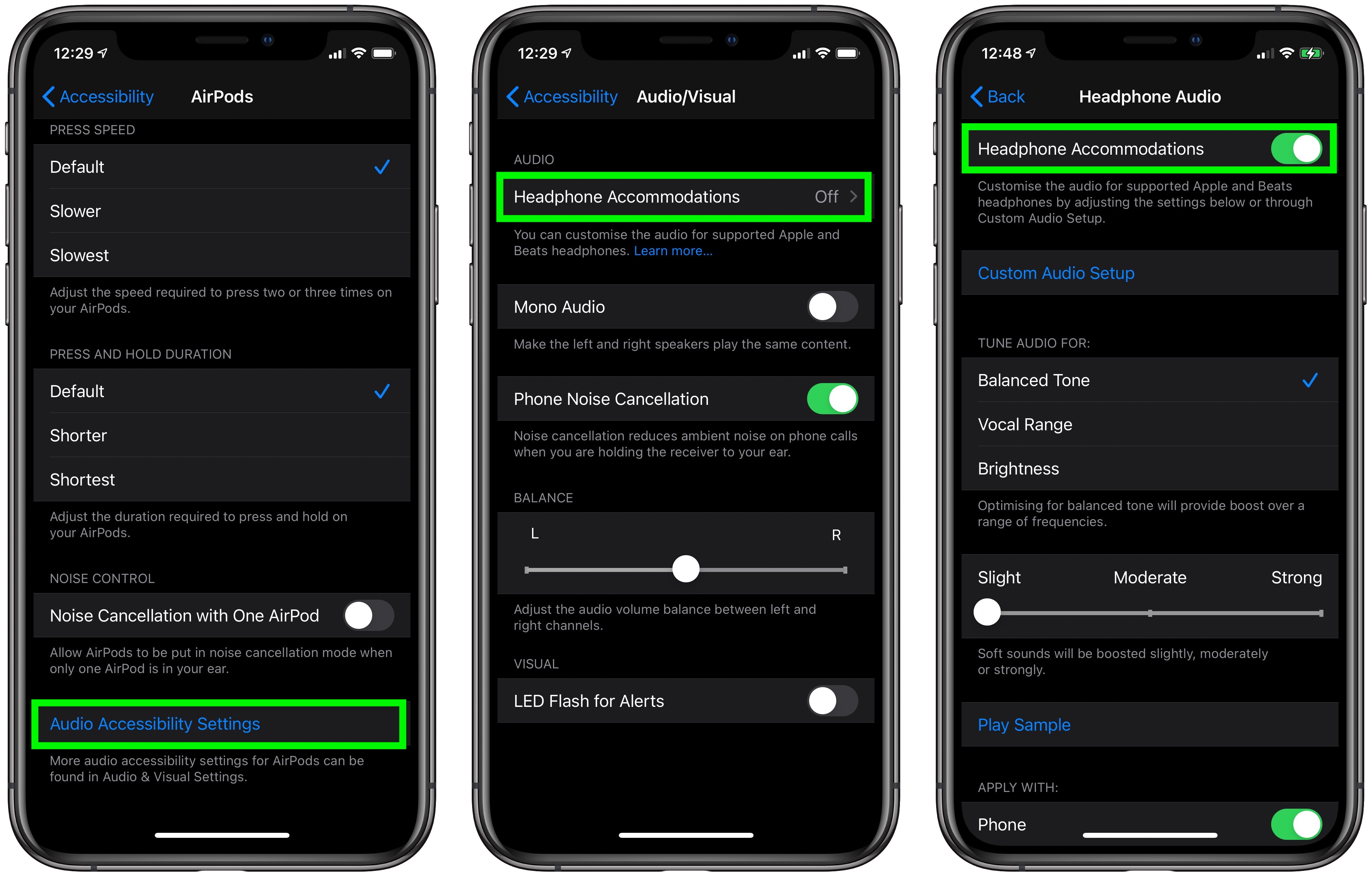
- Tap the Audio Accessibility Settings option in blue text.
- Tap Headphone Accommodations.
- Toggle the switch next to Headphone Accommodations to activate it and extend the menu of options.
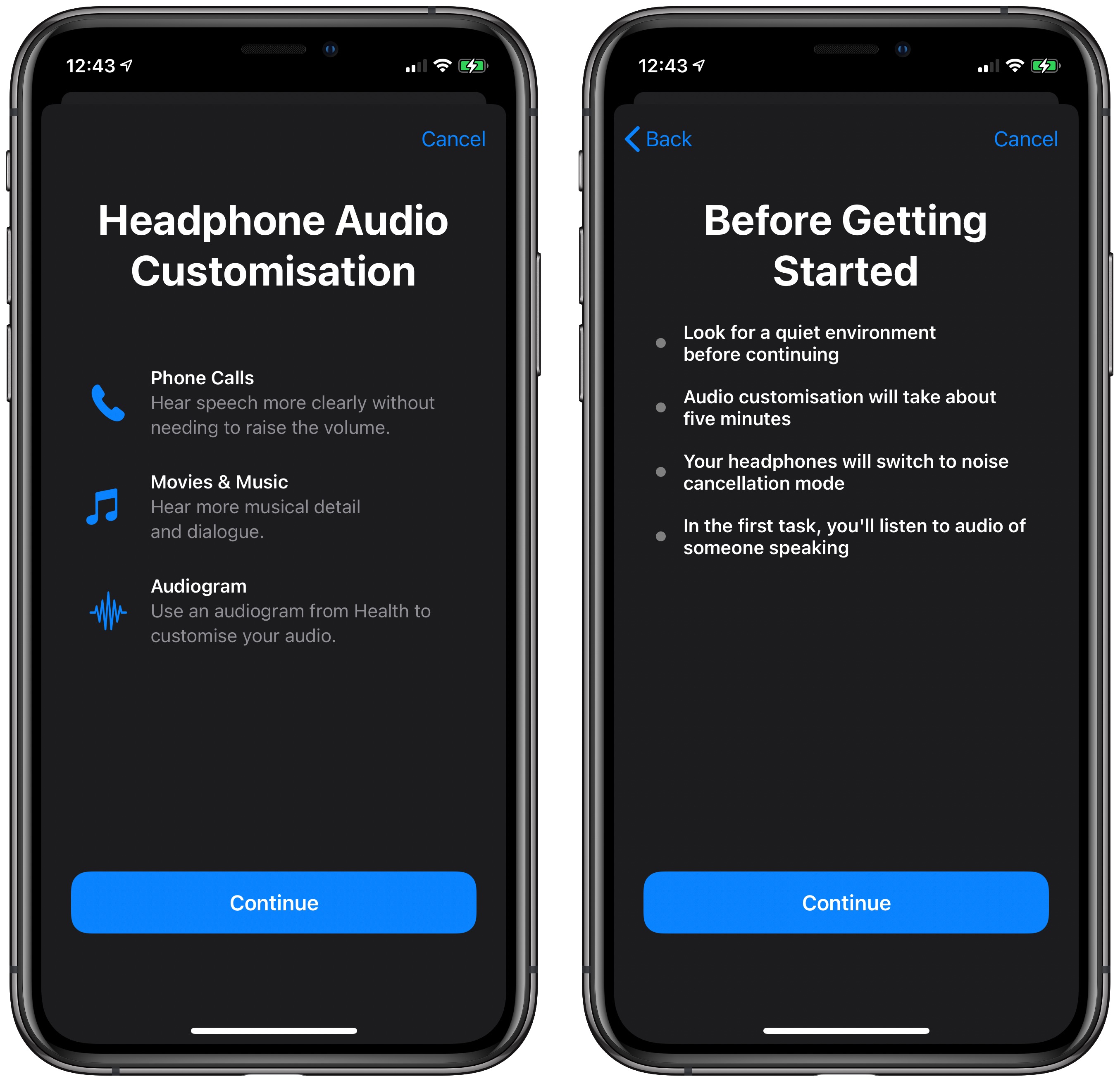
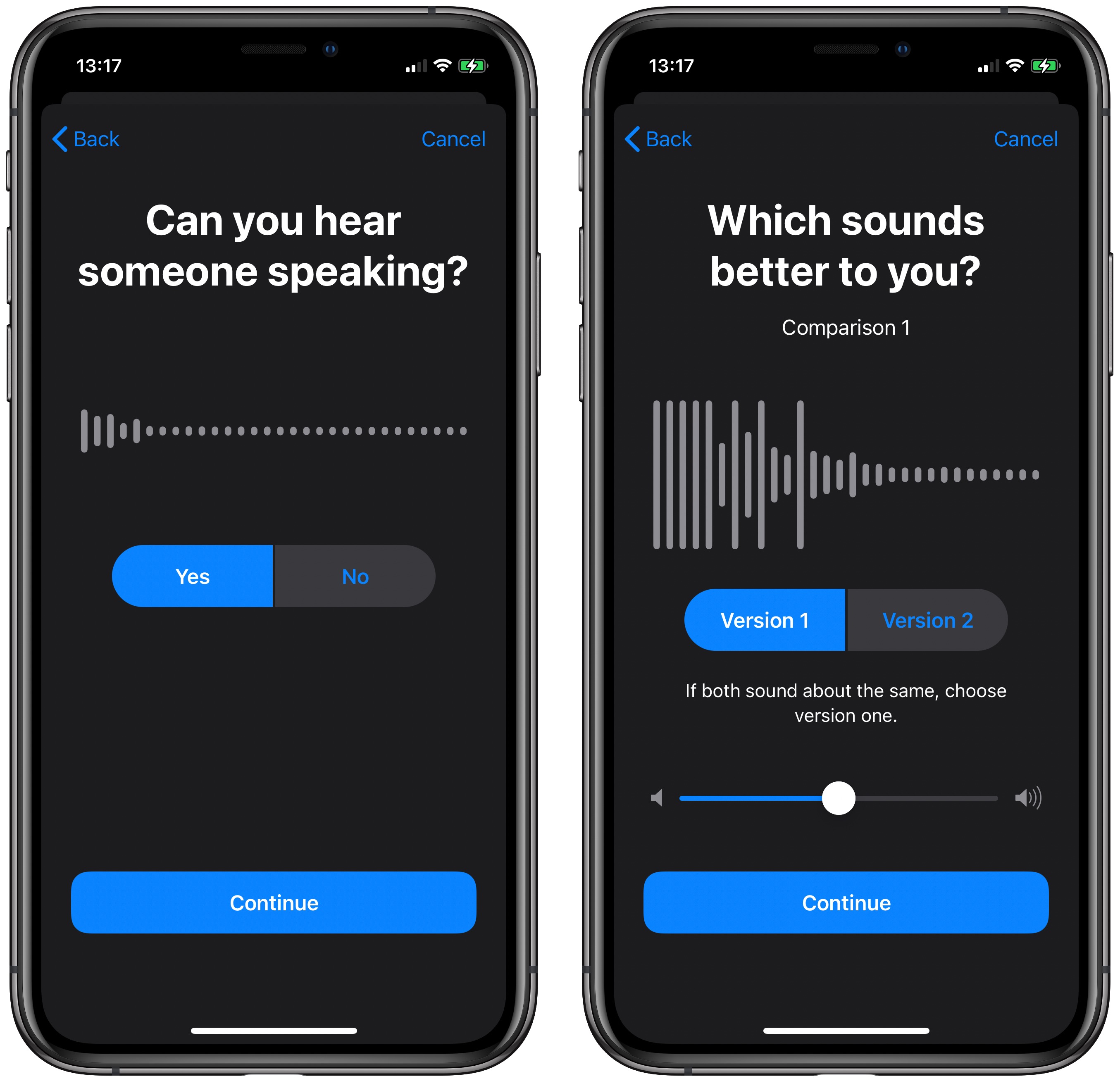
There's also a Custom Audio Setup that walks through a test with soft speaking and different music to determine whether you have specific audio preferences that should be compensated for with the Headphone Accommodations feature.
Headphone Accommodations works with the Transparency mode on AirPods Pro too, making quiet voices louder and tuning the sounds of the environment around you to meet your audio needs.
Tag: accessibility
This article, "iOS 14: How to Enhance Speech, Movies, and Music When Listening on AirPods and Beats" first appeared on MacRumors.com
Discuss this article in our forums


from MacRumors: Mac News and Rumors - All Stories https://ift.tt/30HjrTE


No comments:
Post a Comment